Padlet QR code or share link: getting every student onto the board
2026-10-16
This post contains affiliate links. As an Amazon Associate, ZAGO.TO earns from qualifying purchases.
One QR code on the projector, twenty-five phones held up at once, and three students who still see a sign-in page.
A Padlet QR code is the fastest way into a board for most of a class. The few it fails for usually fail for the same two reasons.
This post covers where the code and link live, why some students bounce off, and what to do for the ones who cannot scan at all.
Where the Padlet QR code and link live
▲ The QR code and the link point to the same board
Open the board and press Share at the top. The share panel gives you two things you need: a copy-link option and a QR code option.
Both lead to the same address. The QR code is for a room full of phones. The link is for your class page, an email, or a chat.
Before you show either one, check who is allowed in. That setting decides whether a scan works, not the code itself.
Why the QR code works for some and not others
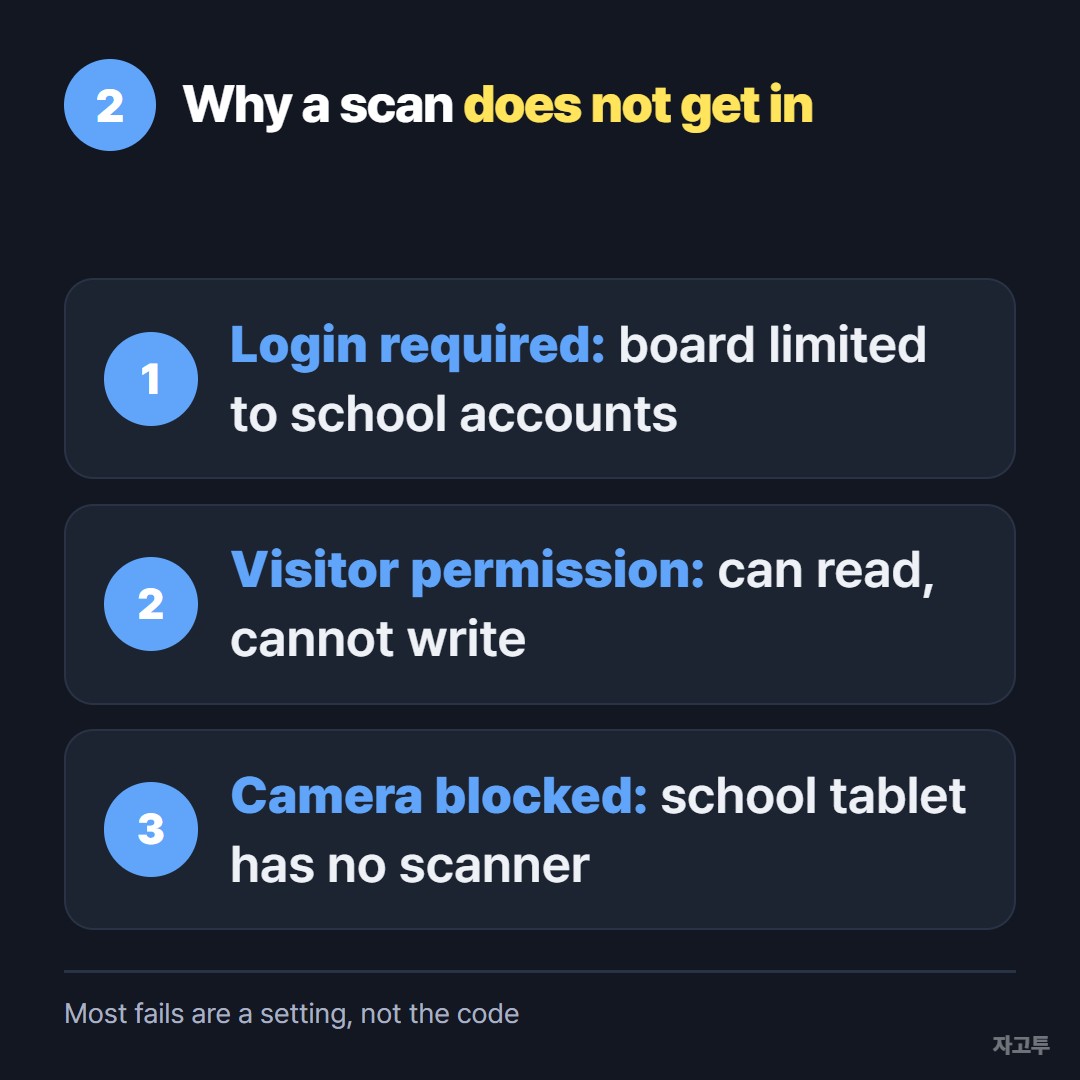
▲ Most failed scans are a privacy setting, not a broken code
- Login required: if the board is limited to your school or to signed-in members, students on personal phones hit a sign-in page
- Visitor permission: visitors may be allowed to read but not to write, so students see the board but cannot post
- Camera blocked: some school tablets lock the camera app, so there is nothing to scan with
For a quick class activity, a secret link with visitors allowed to write is the usual setting.
For anything with names or photos of students, keep it limited to your school accounts and accept that personal phones will not get in.
Students who cannot scan: give them the link
A student on a school laptop has no camera to point at the board. A student with a cracked phone screen may not either.
For them, post the share link in your class stream.
If you already use Google Classroom, How to share a link on Google Classroom, as a teacher or as a student walks through where it goes.
Need a printable code for a worksheet or door sign? The post on making a QR code for a link covers doing it outside Padlet.
The one student at the back with a laptop and no account
Sometimes the problem is only one device. The board link is on your phone, the student is on a shared lab PC, and typing a long Padlet address letter by letter takes the whole warm-up.
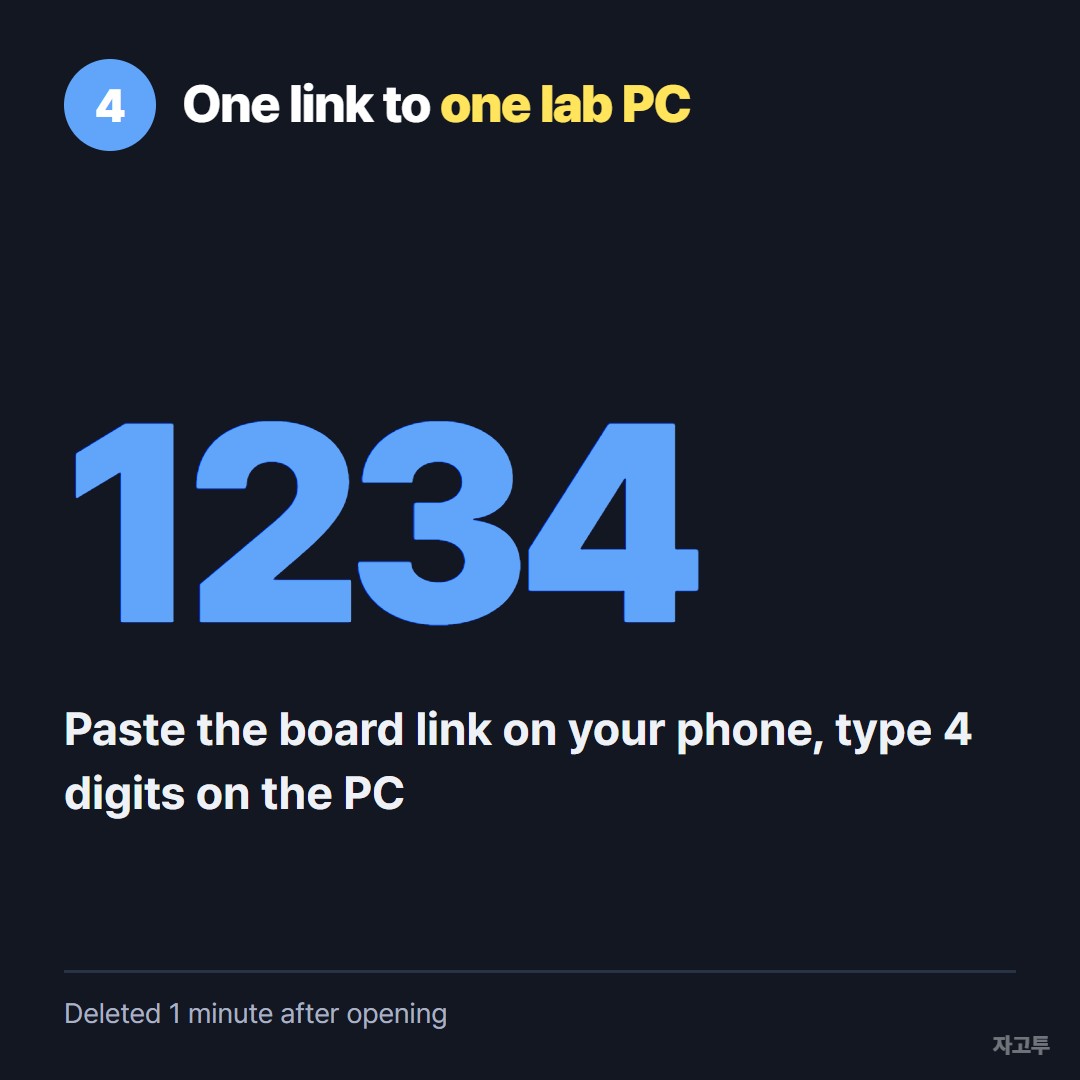
▲ The student types four digits instead of a long address
ZAGO.TO can carry that one link. Paste it on your phone, get a 4-digit code, and the student types the digits at zago.to on the lab PC. The link appears and they click it.
It is deleted 1 minute after it is opened, or after 1 minute if nobody opens it, and it cannot be opened twice. It moves text only, not files.
ZAGO.TO has no in-browser encryption yet. Its server can read what you send, so keep it to a board link, never a password or a student list.
Quick questions
Does the Padlet QR code change if I edit the board? No. Adding posts or changing the layout keeps the same address. Changing the board's link or deleting the board does not.
Can students post without an account? Only if visitors are allowed to write. Check the share panel before class.
Is a QR code safer than a link? No. It is the same address in a different shape. Anyone who scans it gets what the link would give them.